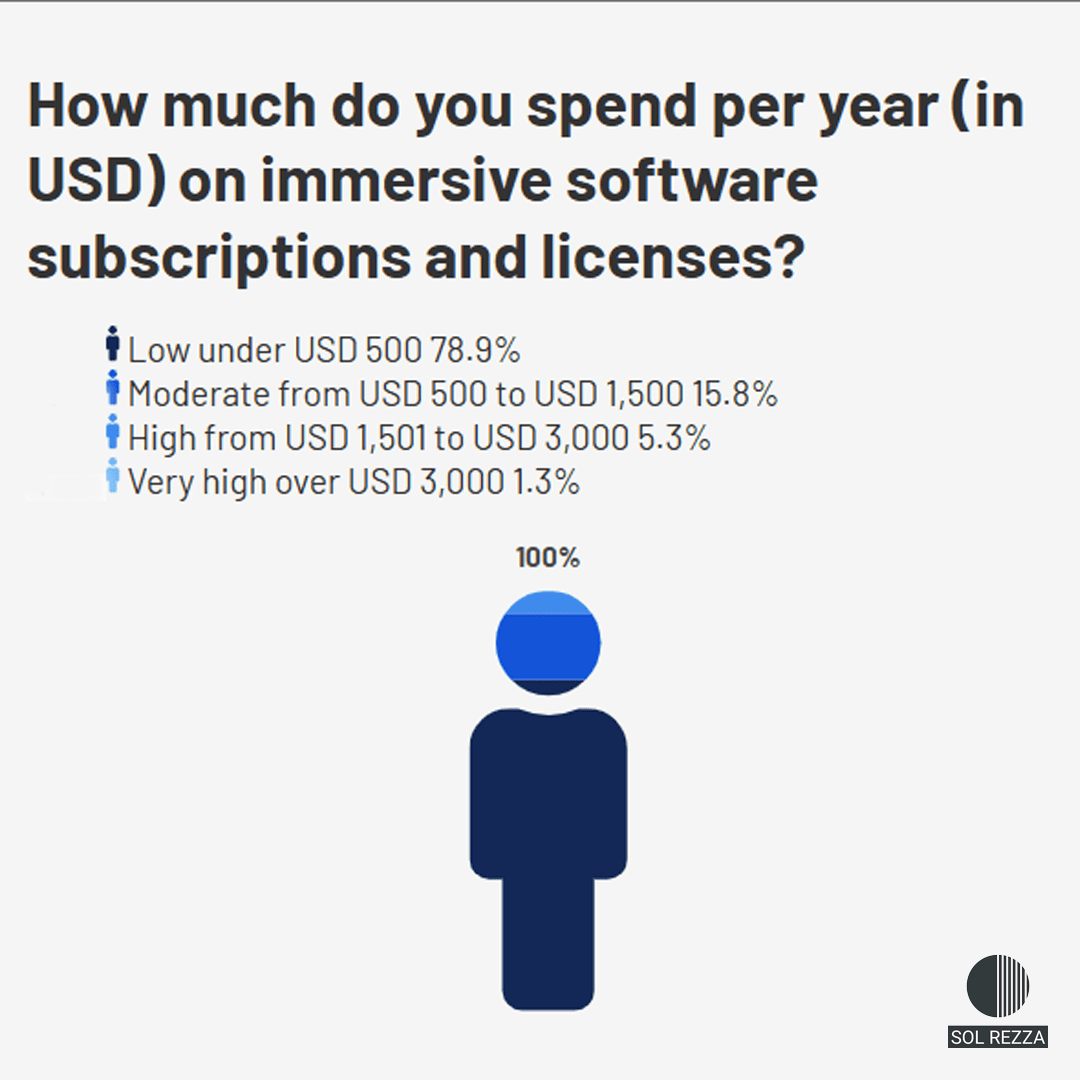

When entering the world of immersive audio, many professionals believe the key lies in acquiring expensive tools, “the most popular on the market,” or “the ones everyone uses.”
The assumption is: if I have plugin X, my immersive mix will work.
The reality is different: the problem is not the tool itself, but how it is integrated into your workflow in a stable and reliable way.
An advanced plugin is useless if your system cannot sustain it, whether due to insufficient RAM, CPU limitations, or messy routing.
This is not about claiming that one tool is better than another. Every plugin has a specific purpose, and the right choice depends on your workflow, what you want to achieve, your budget, and the hardware you have available.
One of the most accessible and professional tools in the world of immersive audio is the IEM Plugin Suite. A set of free, open source plugins developed by the Institute of Electronic Music and Acoustics in Graz (Austria).

Understanding Ambisonics
Before diving into the IEM Suite, it is essential to understand its core: this suite uses Ambisonics as its main processing language.
Unlike traditional channel based audio (where sound is sent to specific speakers such as left or right), Ambisonics is a scene based format.
This means that the IEM Suite captures and processes sound as a complete sphere around a central point, allowing the mix to remain independent of the loudspeaker system used in the end.
"The order of Ambisonics defines the spatial resolution"
However, for this sphere to be truly effective, we need to consider the Ambisonics order.
First order (4 channels) provides a general sense of direction, but the sound image is often diffuse. As the order increases, spatial resolution improves dramatically: a higher order means greater precision and clarity when positioning sounds in space.
Simply put, the higher the order, the greater the organization and detail of the sound field.
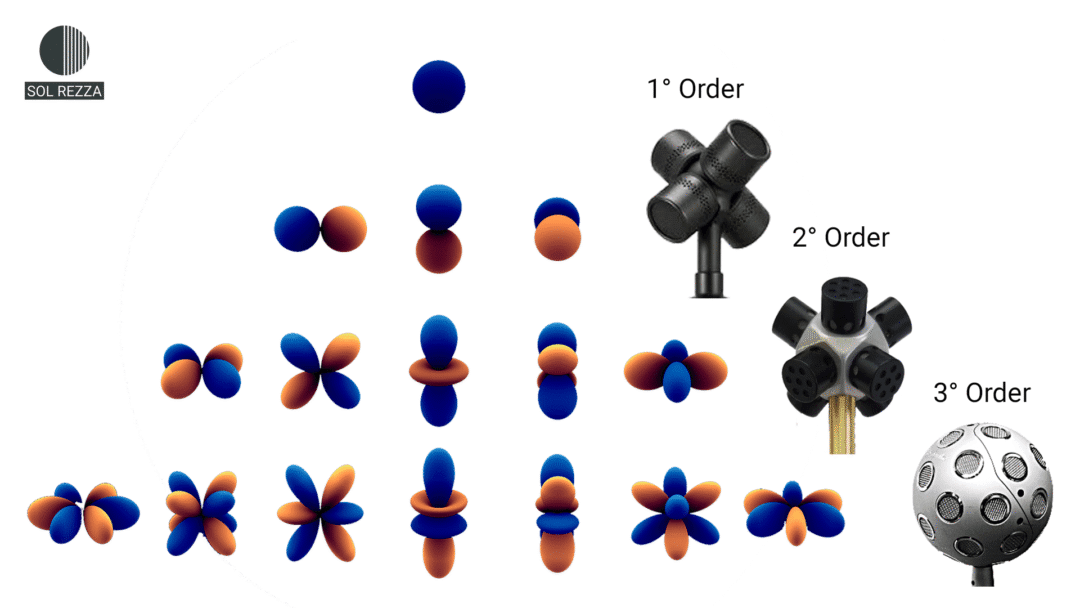

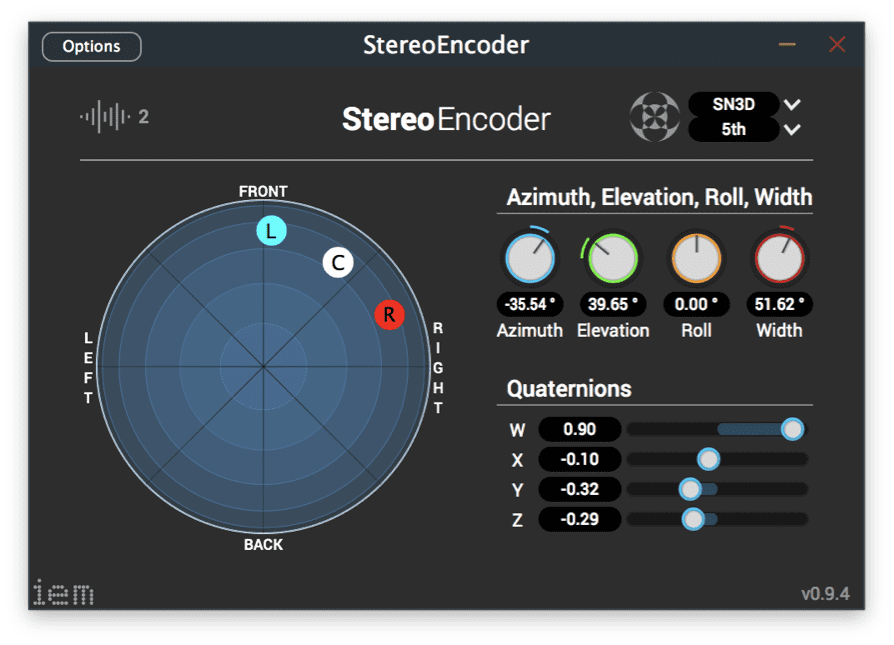
The IEM Suite allows you to work at seventh order resolution, which in the world of immersive audio is equivalent to moving from a blurry image to one in 4K. While other systems offer only an approximate placement of sound, this level of detail ensures a presence and spatial clarity far superior to the standards we usually hear.
This tool was not born within a commercial company, but at the Institute of Electronic Music and Acoustics (IEM) in Graz, Austria. It was created by researchers and students so that the most advanced audio technology could be used by artists and producers in their own studios.
Unlike closed and paid formats, the IEM Suite was developed under an open-source philosophy. This means it is a transparent and free tool, designed to give professionals full control over the “sound sphere” without restrictions. Today, it stands as a perfect bridge for those looking to explore the limits of 3D sound, offering a level of precision that was once exclusive to academic experimentation.
The core workflow: encode, transform, and decode
Working with the IEM Suite follows a logical three-step path that allows you to shape sound in 3D:
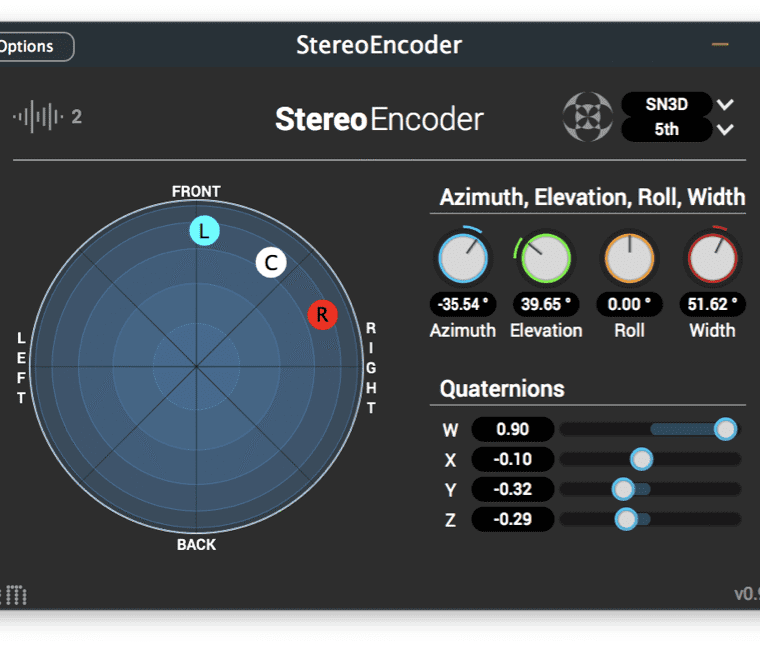
Encoding (Encoder): This is the entry point. Here, your mono or stereo sounds are positioned within the Ambisonics “sphere,” converting the signal into spatial data.
Processing: Once the sound is inside the sphere, tools such as RoomEncoder or OmniCompressor allow you to add depth or rotate the entire sound field. The key advantage is that this is done while maintaining full spatial coherence—something impossible in traditional audio.
Decoding (Decoder): This is the most critical step and the true magic of the suite. Because Ambisonics is not tied to specific speakers, the AllRADecoder plugin ensures that your mix adapts perfectly to any system, whether for headphone listening (binaural) or for playback on a multi-speaker system in a room.
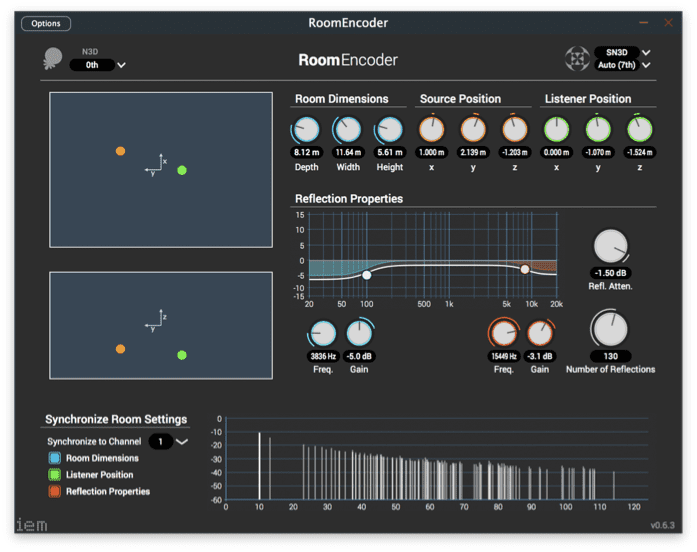
However, mastering this workflow is not without its challenges. Although the theory may seem linear, putting it into practice within a real project can be complex, and this is where the IEM Suite can feel intimidating at first. In my experience observing sessions and workflows, three main obstacles tend to appear, acting as walls for those who are just starting out:
Routing architecture: Managing up to 64 channels in DAWs such as Ableton Live is not intuitive. It requires a specific structure of buses and Audio Racks where precision is absolute: if even a single channel is out of place, the entire spatial image collapses.
The psychoacoustic barrier: Placing a sound in space does not guarantee it will be perceived naturally. Understanding how our brain interprets height and distance is essential to achieving a coherent mix that does not fatigue the listener.
The intention behind movement: Spatialization is never a minor detail; it is the bridge between technique and art. Knowing how to move a sound is not enough—the real challenge is understanding why, and ensuring that technology is always in service of creativity.
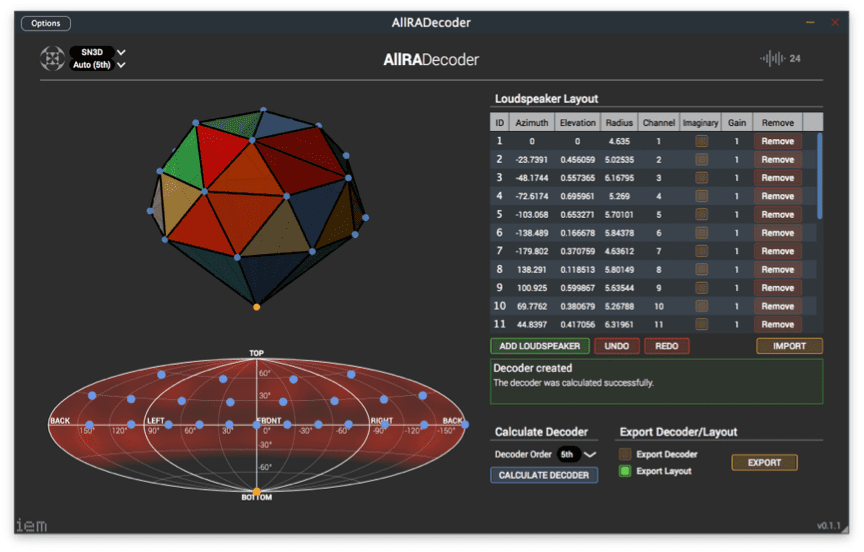
Having the IEM Suite installed does not replace knowledge. The technical documentation tells you what each button does, but it doesn’t teach you how to resolve routing conflicts in the middle of a delivery, keep your session stable, or build templates that will serve you long term. Without a well thought out workflow, any tool whether free or the most expensive on the market will eventually run into the limitations of your system.
The real difference is not in the plugin itself, but in how you integrate it into your process: knowing how to set up a solid base routing, how to evaluate what you’re hearing, and how to connect Ambisonics with your DAW in a natural way. With this approach, the IEM Suite stops being a technical experiment that overwhelms you and becomes a tool you truly control.
This is precisely the core focus of the Intensive Workshop: Critical Spatialization in Ableton Live with the IEM Suite. Over three sessions, we explore how to implement scene based audio from a technical; but above all, critical perspective. The goal is for each participant to configure their own environment in Ableton, gain confidence using the suite, and understand that in immersive audio, every spatial decision has a reason behind it.
Only 1 spot left! To provide the dedicated technical support needed for complex immersive routing, spaces are limited to 6 participants.